

VIDEO GUIDE
Marenza Introduction
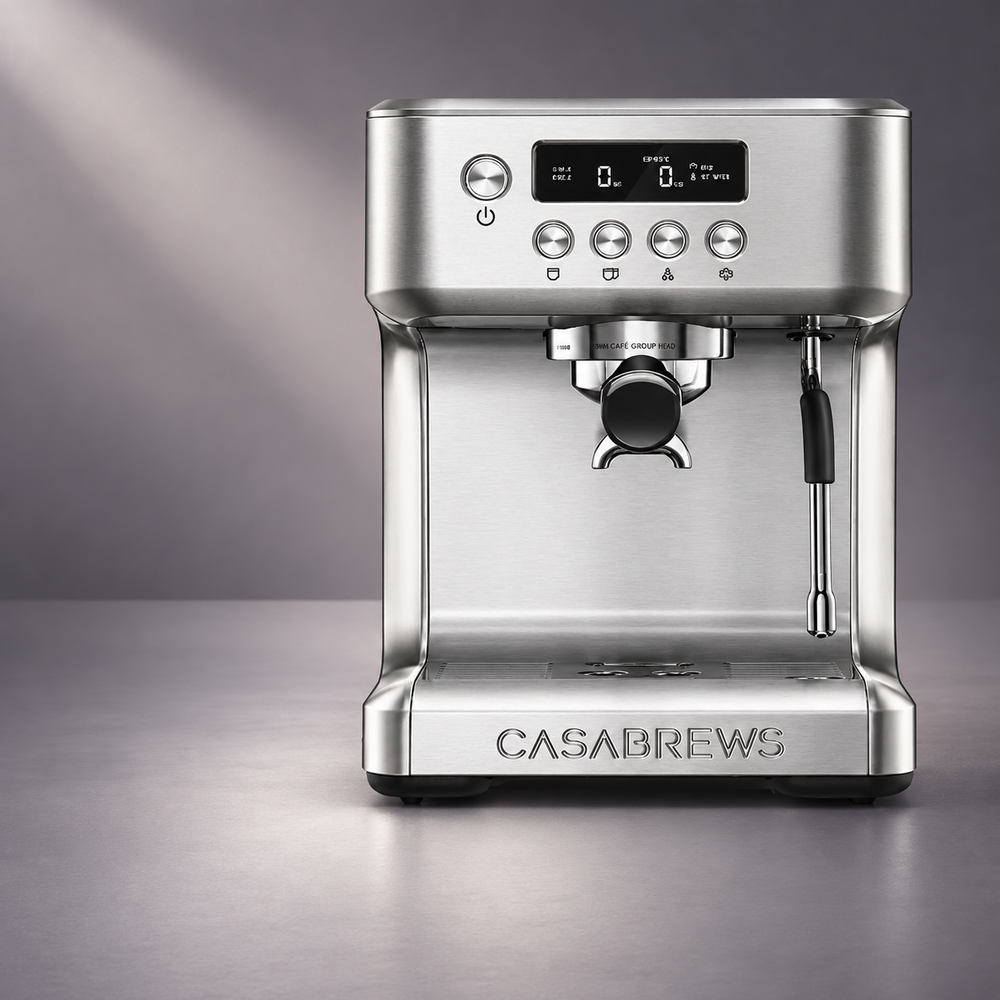
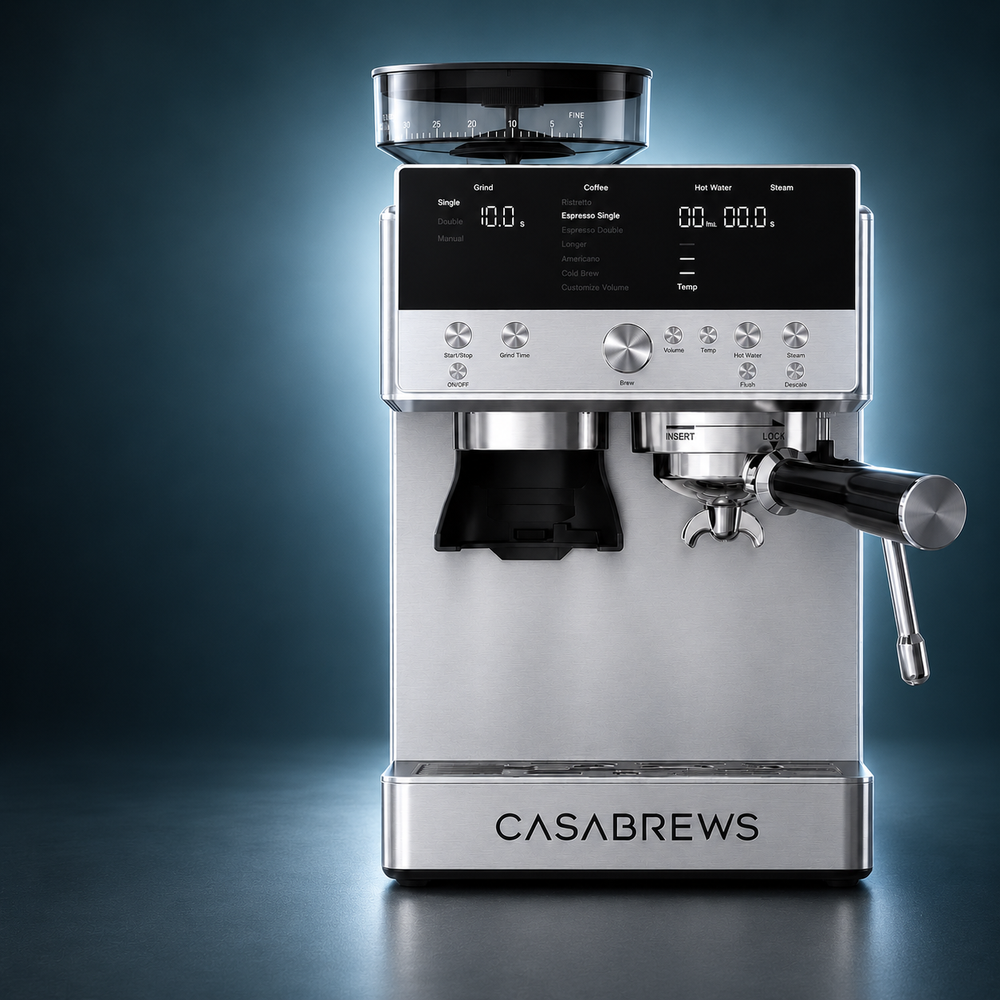
Get a quick overview of your Marenza espresso machine and its key features.

Your videos, guides, FAQs, and support—all in one place.
WATCH & LEARN
Step-by-step guidance for setup, brewing, cleaning, and everyday use.
VIDEO GUIDE
Get a quick overview of your Marenza espresso machine and its key features.
VIDEO GUIDE
Learn the main parts, controls, and functions of your Marenza before you start brewing.
VIDEO GUIDE
Follow the essential setup steps to prepare your Marenza for its first brew.
VIDEO GUIDE
Learn how to use and adjust the built-in grinder for consistent, freshly ground coffee.
VIDEO GUIDE
Learn how to power on your Marenza and complete the initial flush before brewing.
VIDEO GUIDE
Learn how to grind and dose your coffee properly for a more consistent espresso.
VIDEO GUIDE
Learn how to tamp your ground coffee evenly for a balanced and consistent extraction.
VIDEO GUIDE
Follow the essential steps to brew your first espresso with Marenza.
VIDEO GUIDE
Learn how to recognize a well-extracted espresso and fine-tune your brew for better results.
VIDEO GUIDE
Explore Marenza’s drink menu and learn how to prepare your favorite coffee with ease.
VIDEO GUIDE
Learn how to adjust Marenza’s settings to personalize your coffee just the way you like it.
VIDEO GUIDE
Learn how to steam and froth milk for smooth, creamy café-style drinks.
VIDEO GUIDE
Learn how to clean and maintain your Marenza to keep it performing at its best.
VIDEO GUIDE
Review key tips and learn where to find additional help and support for your Marenza.
GETTING STARTED
Helpful answers for setup, espresso extraction, and milk frothing.
Wash and dry the removable accessories, fill and securely install the water tank, then install the bean hopper. Turn the hopper knob clockwise to open the bean channel. When “Flushing” appears, place cups under the brew head and steam wand, insert an empty filter basket, and press Flush. The first-use cycle takes about 90 seconds. Wait until the machine finishes preheating before brewing.
Align the hopper with the markings on top of the machine, lower it into place, and turn it clockwise until secure. Then turn the hopper knob clockwise to open the bean channel. If “Install Hopper” appears on the display, remove the hopper and reinstall it, checking that it is fully locked in place.
Start with a single-wall basket when grinding fresh whole beans and you want to adjust the grind and dose yourself. A dual-wall basket is a more forgiving choice for pre-ground coffee or when you are still dialing in your espresso. Choose the one-cup or two-cup size to match your intended shot. The blind basket is for backflushing only—do not use it to brew coffee.
Start at grind setting 10, then adjust based on the flow and displayed brewing pressure. The manual suggests approximately 13 g for a single espresso or 19 g for a double. These are starting points: bean freshness and roast can change the grind and dose you need. Avoid starting at settings 1–3, which may be too fine.
Yes. Press Volume, turn the brew dial to select the drink, then press the dial to start brewing. Press it again when the cup reaches your preferred volume; the machine will save that setting. To restore the default grind times, temperatures, and drink volumes, press and hold Volume for five seconds.
SOLVE A PROBLEM
Quick solutions for the most common product issues.
Check the coffee and extraction first. Use fresh beans, make sure the hopper’s bean channel is open, and check that enough coffee is reaching the basket. If the shot runs quickly, move to a finer grind in small steps and try again. The manual’s suggested brewing range is 6–12 bar. If pressure remains at 0 bar after changing the grind and dose—or the machine cannot build pressure even with a dual-wall basket—contact CASABREWS Support with a short brewing video.
The grind may be too fine or the basket may contain too much coffee. Try a coarser setting and reduce the dose slightly. Check that the basket and brew head are clean. If water also flows slowly without coffee, follow the manual’s cleaning and descaling instructions.
Check that the hopper contains beans, is fully installed, and has its bean channel open. If the grinder runs but little or no coffee comes out, switch off and unplug the machine before checking the grinder chamber and chute for a blockage. Clean the burrs and chute with a dry brush; do not wash the burrs with water.
Stop the current operation, unplug the machine, and plug it back in, as directed in the manual. If E4 returns—especially during the first-use flush or a cleaning cycle—do not repeatedly restart the cycle. Contact CASABREWS Support and include a photo of the display and a brief video showing when the error appears.
Make sure the water tank contains water and is pushed fully into place. Remove the portafilter and check whether water flows from the brew head without coffee. If flow is still absent or weak, check for a blocked filter or follow the descaling instructions. Contact Support if the problem persists.
Stop using the machine and switch it off. Check that the water tank is fully seated and inspect the tank and drip tray for visible damage or overflow. If water continues to leak from the machine body, do not keep operating it. Contact CASABREWS Support with a photo or video of where the water appears.
CARE & SERVICE
Cleaning, maintenance, parts, warranty, and service information.
Follow the descaling procedure in the User Manual when the descale alert appears. Allow the machine to cool first, empty the drip tray, and add descaling solution and water to the tank as instructed. Place containers under the brew head and steam wand, then press Descale. When the first phase finishes, empty and rinse the tank, refill it with clean water, and press Descale again to complete the rinse phase. Allow about 20 minutes for the full process.
Check whether the rinse phase has been completed. After the first descaling phase, the tank must be emptied, rinsed, and refilled with clean water; press Descale again to continue. The manual says to unplug the machine if you need to exit the descaling program. If the alert or mode remains after you complete the full procedure, contact Support with a photo of the display.
Use the blind basket only for backflushing the brew head, following the User Manual’s cleaning instructions. It has no outlet and is not intended for making espresso. For a regular water flush, use an empty brewing basket instead.
Switch off and unplug the machine. Close the hopper’s bean channel, remove the hopper, and take out the upper burr as shown in the User Manual. Brush coffee residue from the upper and lower burrs and clear the chute, then reinstall and lock the parts in place. Never wash the burrs or grinder body with water.
Make sure the water tank is full and fully seated, then wait for the machine to finish heating for steam. After use, wipe the wand and clean the steam tip to prevent milk buildup. If steam remains weak, follow the descaling instructions. Do not touch the hot wand or tip until it has cooled.
RESOURCES
Download manuals, quick start guides, recipes, and other product resources.

PDF GUIDE
Complete instructions for setup, operation, cleaning, maintenance, and safe use of your Marenza.

PDF GUIDE
Get your Marenza set up and ready to brew with a simple step-by-step guide.

PDF GUIDE
Explore 40 signature coffee recipes and discover more ways to enjoy your Marenza.
WE’RE HERE TO HELP
Contact the CASABREWS support team for additional assistance.
CUSTOMER SUPPORT
Our support team is ready to help with your product questions.